How Long Does It Take to Make an Explainer Video?

AUTHOR: Rafał CATEGORY: Marketing Videos for Business

If you are planning an animated explainer video, one of the first questions is usually: how long will it take?

There is no single answer. A simple motion graphics video can be produced relatively quickly, while a character-driven animation with custom illustration and frame-by-frame animation can take considerably longer.

At Animwood, we have produced everything from short product explainers to more complex character-led animations, so we know that the production timeline is always a balance between quality, budget, creative ambition and the deadline.

For a typical animated explainer video, it is reasonable to plan for around 4–8 weeks of production. More complex projects can take longer, while a very simple project with a ready script and a focused approval process can sometimes be completed faster.

The important part is understanding what is behind that timeline.
It starts with the type of explainer video

This is default text from widget's default params.

Before discussing a production schedule, you need to know what kind of video you are making.

A clean motion graphics explainer using typography, icons, simple illustrations and transitions will generally be faster to produce than a character-based animation. A 2D cut-out animation can also be relatively efficient because characters and other elements can be prepared and reused through a rigging-based workflow.


Traditional cel animation, on the other hand, requires individual drawings to create movement frame by frame. It takes more time, but it can also create a much more organic and expressive result.

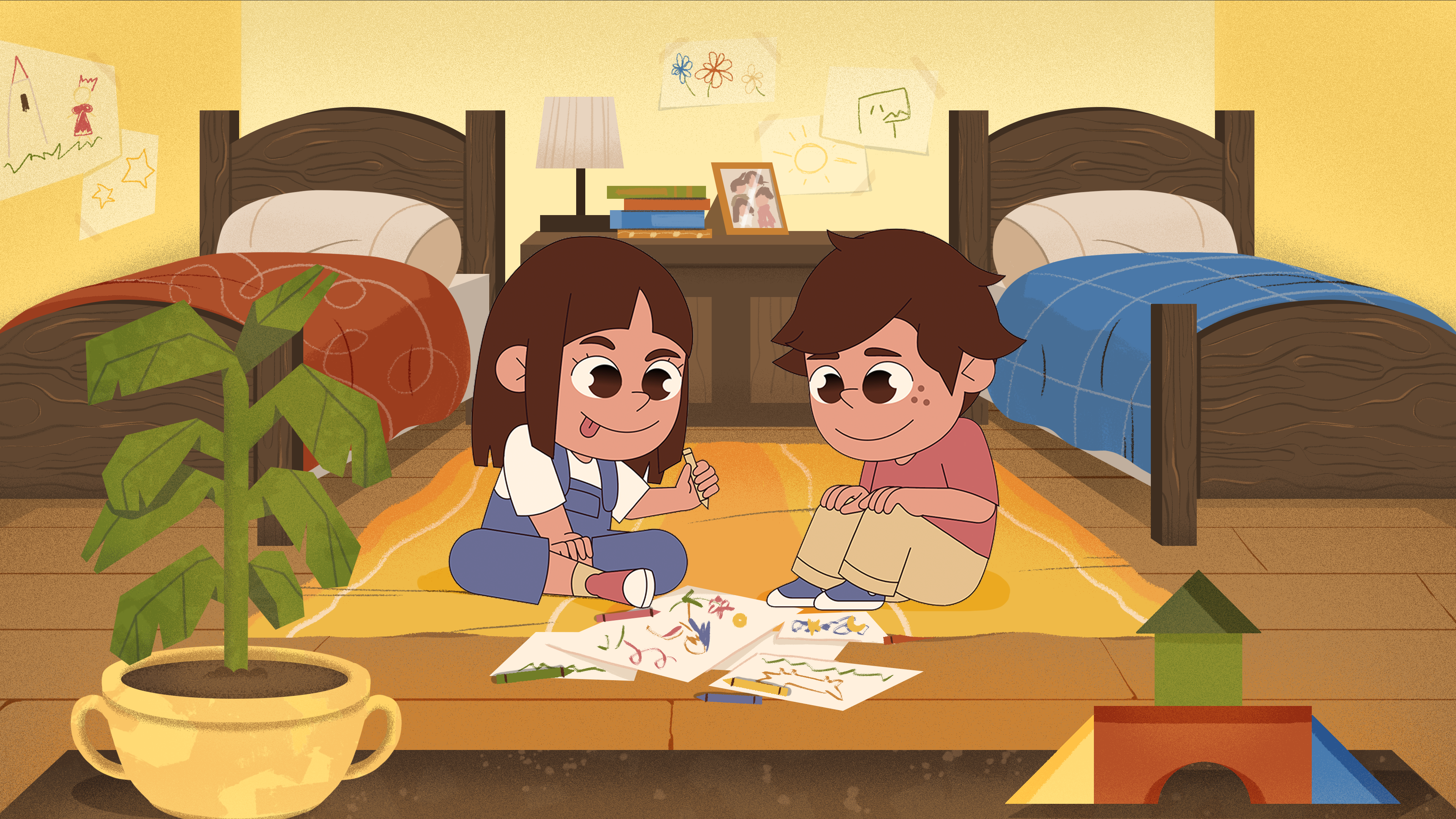
You can see this difference in practice in Animwood's work for Brainly, where custom characters were combined with rigging and cel animation to create a lively educational world.

The same applies to 3D animation. Modelling, texturing, rigging, lighting and rendering introduce additional production stages, so a 3D explainer normally requires more time than a straightforward 2D production.


This is why the question should not only be “How long does an explainer video take?” It should also be “What kind of explainer video are we trying to make?”

A realistic explainer video production timeline

For a relatively straightforward 2D explainer video, a production timeline might look something like this.

The first stage is briefing and script development. This is where the idea, audience, message and structure are defined. If the script is already approved, this stage can be much shorter.

Next comes the visual development. The animation studio creates the storyboard and key visuals or style frames that establish how the video will look. This is where you decide on the illustration style, characters, colours, backgrounds and overall visual language.

Once the visual direction is approved, the production moves into illustration and animation. Characters, environments, objects and other assets are created and animated according to the storyboard and voiceover.

The final stage includes sound design, music, compositing, revisions and exporting the finished video in the required formats.

At Animwood, our production process follows this general structure: briefing, script, storyboard, key visual development and then animation and finishing. Keeping these stages clearly defined helps prevent unnecessary changes later in production.

For a standard 60-second 2D explainer, around 4-8 weeks is a sensible planning range for easier to execute styles.

A more complex character animation, a video with extensive frame-by-frame work or a project involving several animation techniques can require considerably more time - especially if the production includes the writing stages.

Characters can change the timeline

Characters are often one of the biggest creative decisions in an animated explainer video.

A video without characters can focus on icons, products, typography, diagrams and environments. A character-led video requires character design, expressions, poses, movement and often character rigging.

That does not mean characters are always a bad choice when you have a tight deadline. They can be extremely effective when the story depends on emotion, personality or a human journey. The important thing is to choose a character style that fits both the story and the production schedule.

For example, our Springboard explainer video follows a character's journey through the platform rather than simply presenting a list of features. The project required character design, illustration and several animation techniques to tell that story.

If the character is central to the story, spending more time on the design and animation can be worth it.

Cut-out animation vs. cel animation

Another important choice is how the characters and objects will move.

Cut-out animation uses prepared elements that can be moved, rotated and deformed digitally. It is usually faster and works particularly well for explainers, educational content and product videos.

Cel animation, also called frame-by-frame animation, involves drawing movement frame by frame. It is more labour-intensive, but the result can feel much more fluid, expressive and handmade.

Animwood uses both approaches depending on what the project needs. In the Acumen “Journey of the Dollar” project, for example, we combined motion design, cut-out animation and frame-by-frame animation to create the final result.

There is no universally “better” technique. The right choice depends on the visual style, story, budget and deadline.

Can an explainer video be made in one week?

Technically, yes. But the more useful question is what kind of video can realistically be made in one week.

A very simple animation using existing assets, a finished script and minimal feedback may be possible within a short timeframe. A fully developed custom explainer with original characters, detailed illustration, professional voiceover and several rounds of revisions is a different story.

When production is compressed too much, something usually has to give: creative development, animation complexity, revision time or overall polish.

A video can be made in a week, but it will probably look like it was made in a week.

Good animation production is about finding the middle ground between the timeline, quality, budget and creative possibilities.

What can delay an explainer video?

The animation itself is only part of the schedule.

Feedback can have a major effect on the delivery date. If several people are involved in approving the video, feedback should be collected and consolidated before it reaches the animation studio. Waiting for individual comments from different decision-makers can add days or even weeks to a project.

Changing the script after animation has started can also cause delays. Even a small copy change can affect the voiceover, timing, storyboard and animation.

Client availability matters too. Holidays, vacations, company-wide breaks and bank holidays can all affect the schedule, especially when approvals are needed.

The same applies to the studio side. If production needs to happen during weekends or around public holidays, this should be agreed before the project begins rather than assumed later.

The most efficient projects usually have a clear brief, an approved script, one person coordinating feedback and decision-makers who are available when approvals are needed.

Why feedback needs to be consolidated

One of the easiest ways to slow down an animation project is to send feedback piece by piece.

For example, if one stakeholder comments on Monday, another responds on Wednesday and a third adds changes the following Friday, the production team may need to repeatedly reopen work that has already moved forward.

A better approach is to collect the feedback internally and send one consolidated set of comments.

This is particularly important during the storyboard and visual development stages. Changes made early are relatively inexpensive. Changes made after several weeks of animation can affect a large part of the project.

For this reason, a well-managed production process is not only about the animation studio working efficiently. The client-side workflow matters just as much.

A longer timeline can sometimes produce a better video

There is a temptation to treat a shorter production timeline as automatically better.

It is not.

Animation needs time for creative development, testing and refinement. A little extra time can allow an animator to improve a transition, adjust the timing of a character's movement, refine a background or find a better way to communicate a complicated idea.

This becomes particularly important for projects with a strong visual identity.

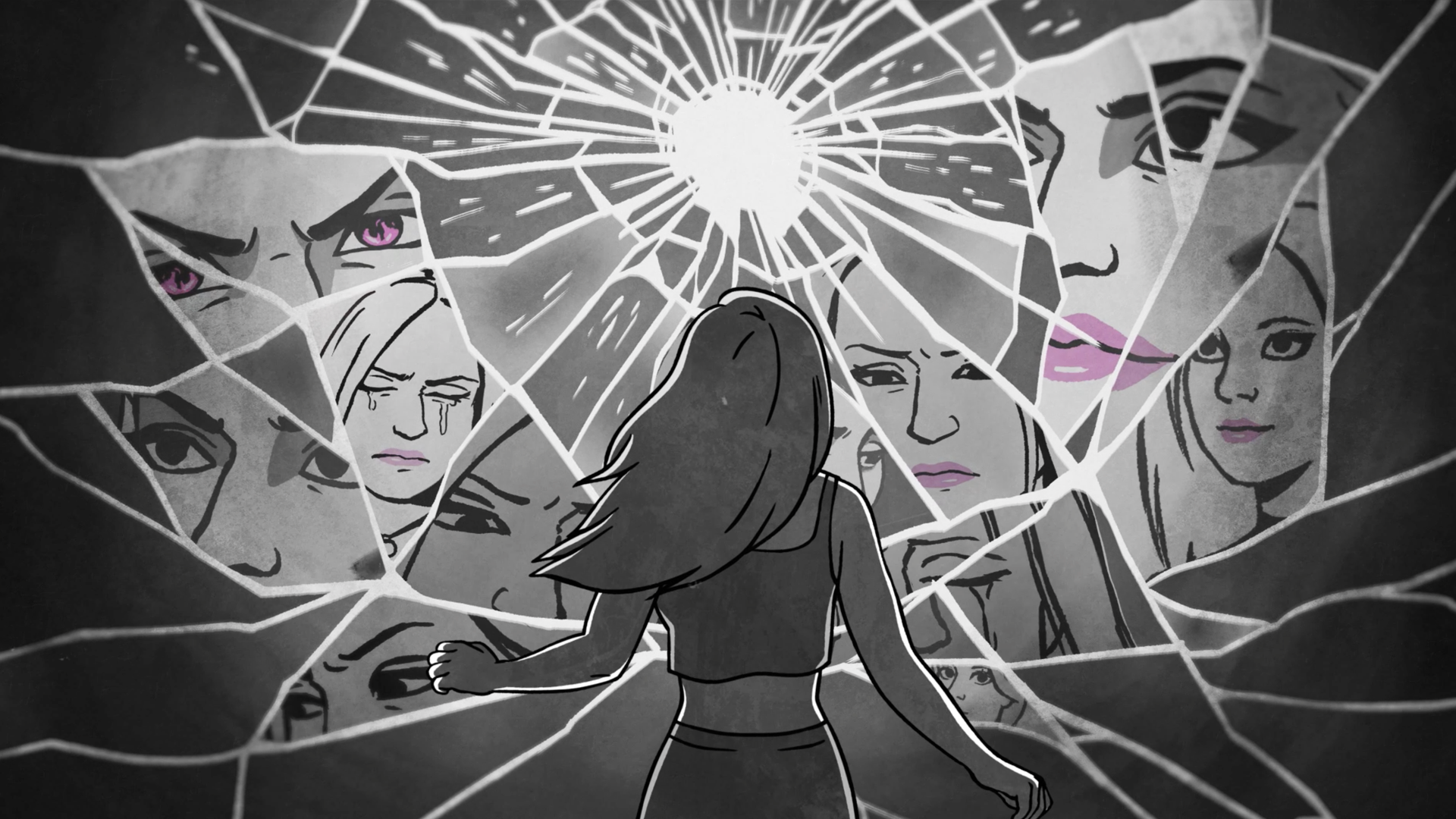
Our APIL “Rebuilding Shattered Lives” project, for example, depended heavily on emotional storytelling, character acting, colour and carefully controlled camera movement. The animation needed to support the emotional progression of the story rather than simply move information across the screen.

That kind of work benefits from having enough time to get the details right.

So, how long does an explainer video take?

For planning purposes, 6-8 weeks is a realistic range for many custom 2D animated explainer videos but this time period can expand up to 10-12 weeks with the complex work involved and hand-crafted style, which always benefits the work.

A simple motion graphics video can be faster. A character-driven animation will usually need more time. Frame-by-frame animation, complex 3D work, multiple characters, detailed environments or mixed animation techniques can extend the schedule further.

The production timeline also depends heavily on how prepared the client is and how quickly decisions are made.

At Animwood, we work on projects ranging from straightforward business explainers to complex animated productions, using 2D, 3D, cut-out, cel and mixed animation techniques. Our explainer video portfolio shows how different the production approach can be from one project to another.

The best timeline is not necessarily the shortest one. It is the timeline that gives the project enough space to achieve the quality you need without spending time where it is not necessary.

If you already have a script, deadline or idea for an explainer video, the easiest way to estimate the production time is to look at the actual scope of the project: its length, visual style, characters, animation technique and approval process.

That is where an experienced animation studio can help. Before production starts, Animwood can assess the project and recommend an approach that fits the deadline, budget and creative goals.


Get in touch with the Animwood team. We’ll be happy to discuss your idea, recommend the right creative approach and help you take it from script to finished animation:


newbusiness@animwood.com


SHARE IT

OUR SERVICES

EXPLAINER
VIDEO

ANIMATED FILMS

ANIMATED
COMMERCIALS

ANIMATED
CONTENT